Task Management
System
Smarter task assignment. Seamless team accountability. Built on tools you already use.
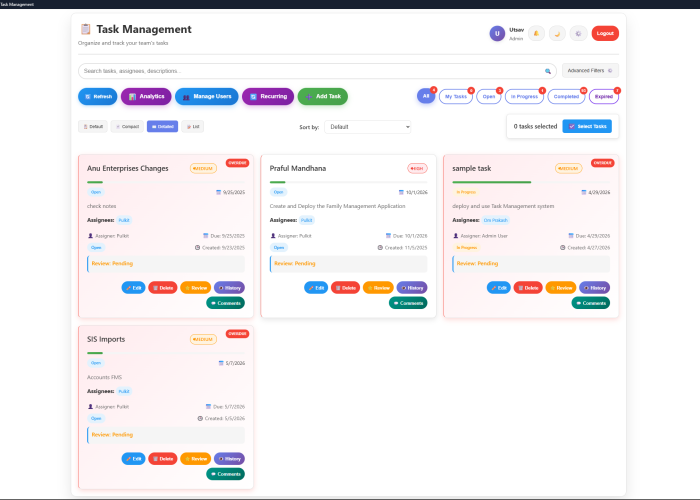
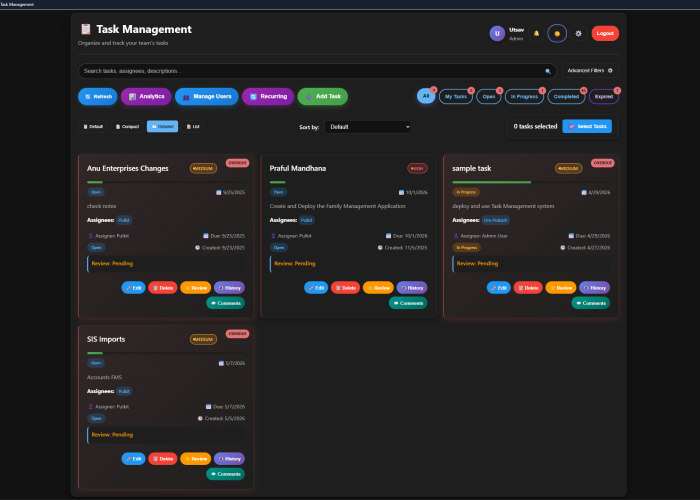
4Byte Solutions Task Management System is a purpose-built web application that helps teams assign, track, and complete tasks with full visibility at every stage — from creation to closure.
What It Does
The system is built on Google Apps Script and Google Sheets, giving you the reliability of Google’s infrastructure with the flexibility of a custom application. Administrators and team leads can create and assign tasks in seconds, while assignees receive instant notifications, automated reminders, and calendar events — keeping everyone aligned without manual follow-ups.
Whether your tasks are one-time deliverables with a fixed due date or recurring responsibilities at a set frequency, the system handles scheduling, escalation, and progress tracking automatically.
Role-Based Access
The system supports three distinct roles, each with a tailored experience:
Admin — Full control over task creation, assignment, team management, system configuration, and analytics. Can view all tasks across the organization, approve completions, and access reporting.
Employee — Can create and assign tasks to team members, monitor progress on assigned tasks, and receive performance summaries.
Doer — Receives assigned tasks, updates progress, marks tasks complete, and communicates through the task thread.
Core Capabilities
Task Creation & Assignment
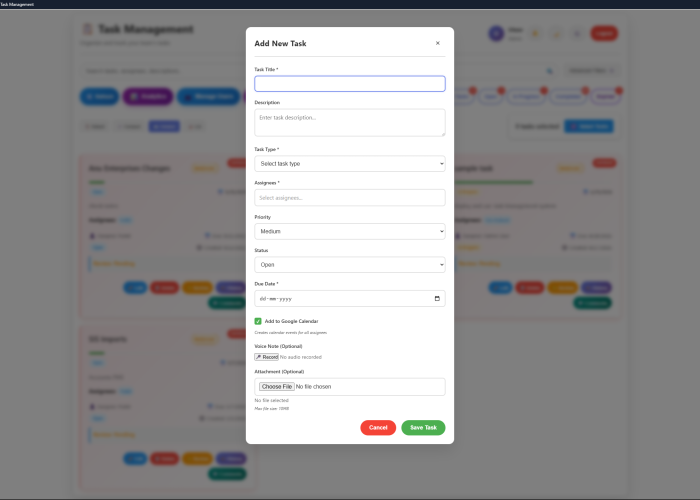
Create one-time tasks with fixed due dates or recurring tasks at any frequency — daily, alternate days, weekly, monthly, and more
- Assign tasks to one or multiple team members simultaneously
- Set priority levels (High, Medium, Low) and task categories
- Add detailed descriptions, attachments, and contextual notes at the time of creation
Google Calendar Integration
When a task is assigned, a calendar event is automatically created on the doer’s Google Calendar — ensuring tasks are visible alongside other commitments and not just buried in a list.
Progress Tracking & Completion
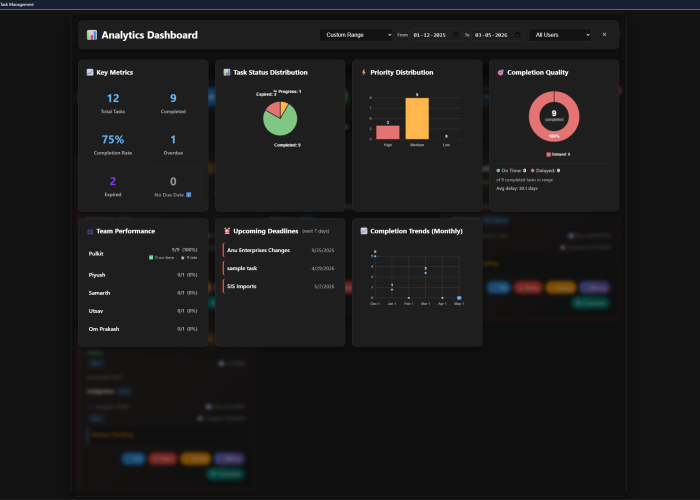
Assignees can log progress updates directly from the application, mark tasks as complete, and respond to reviewer feedback. Task owners receive notifications when tasks are ready for review and can approve or return tasks with comments.
Recurring Task Management
The system generates recurring task instances automatically according to the set frequency, skipping non-working days where configured, and advancing due dates correctly regardless of frequency type. Recurring tasks can be paused, modified, or cancelled from the management interface without affecting existing instances.